
Features
Everything on your Mac, in one place.
A menu bar system monitor with every reading you need, and cleanup for the processes and files every AI agent leaves behind.
Menu bar
One item per reading.
Pick CPU, memory, network, disk, sensors, battery, left behind or Claude plan left. Show a value, a graph or both, and drag to reorder.

Overview
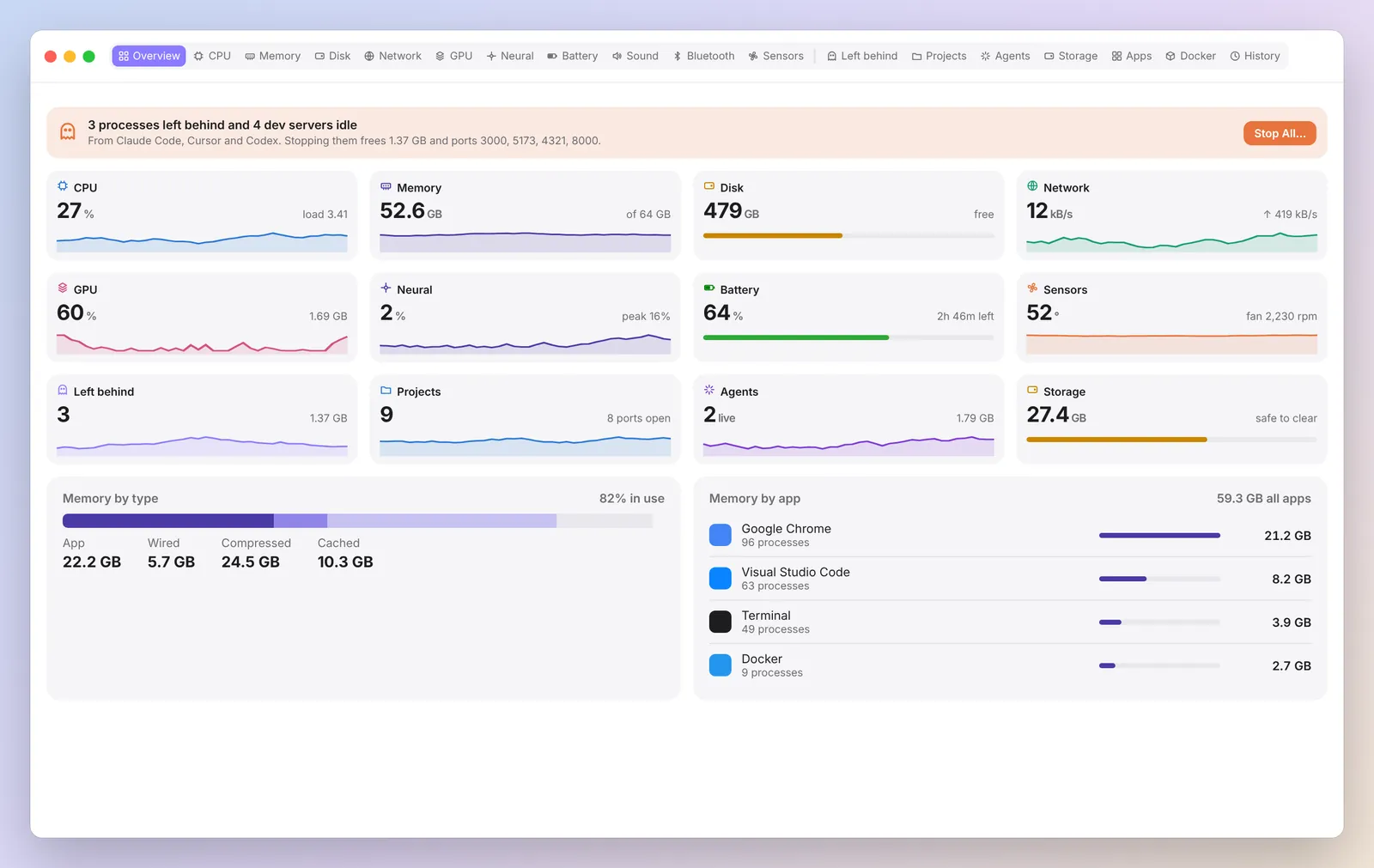
Every reading on one screen.
CPU, memory, disk, network, GPU and battery side by side, with what is busiest right now and anything worth a look.
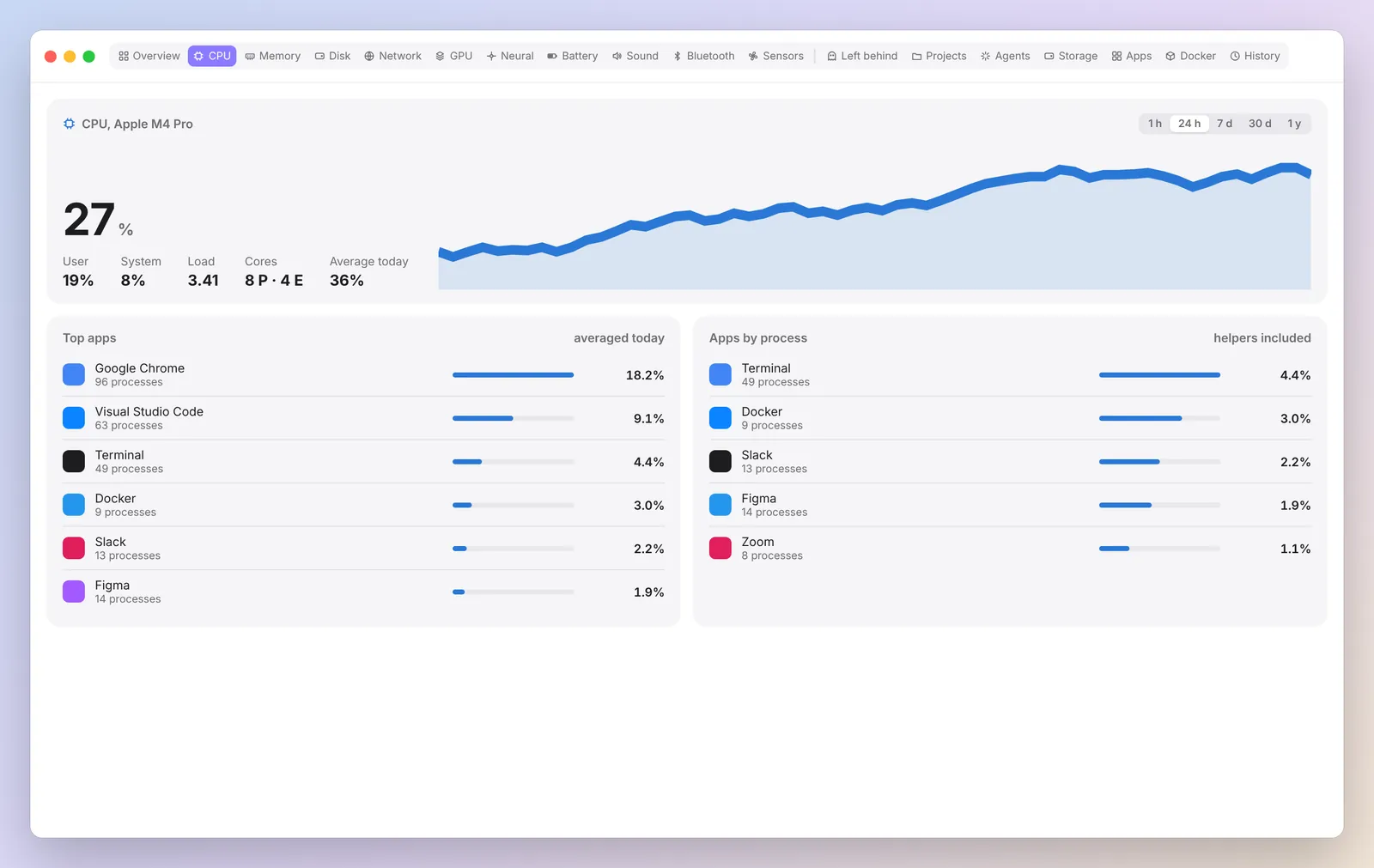
CPU
See which app is using your processor.
User and system load, every core, averages and a sortable table of apps with their helpers grouped in.
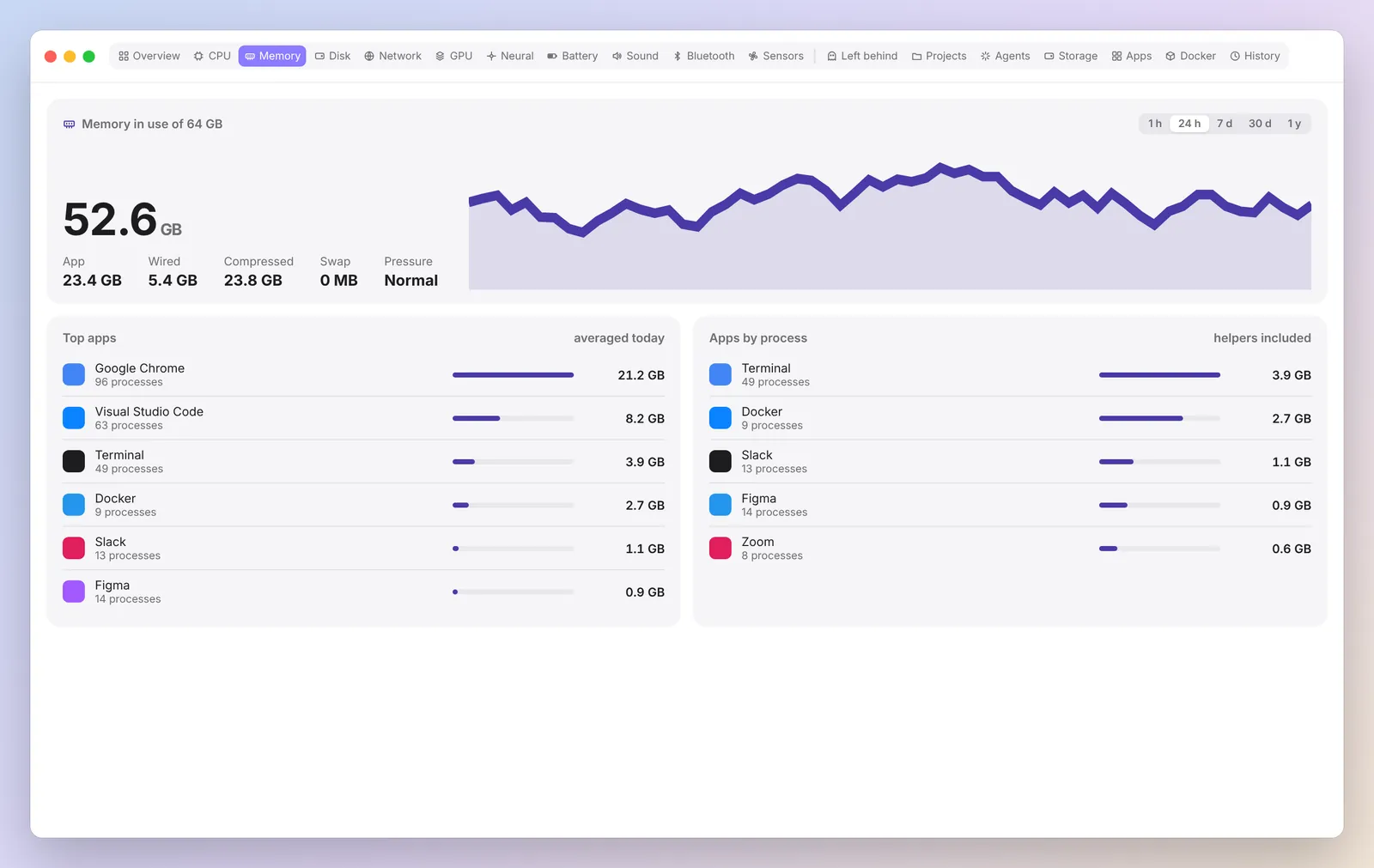
Memory
Know where your RAM went.
In use, wired, compressed, swap and pressure, plus memory by app, so you can tell a heavy app from a leak.
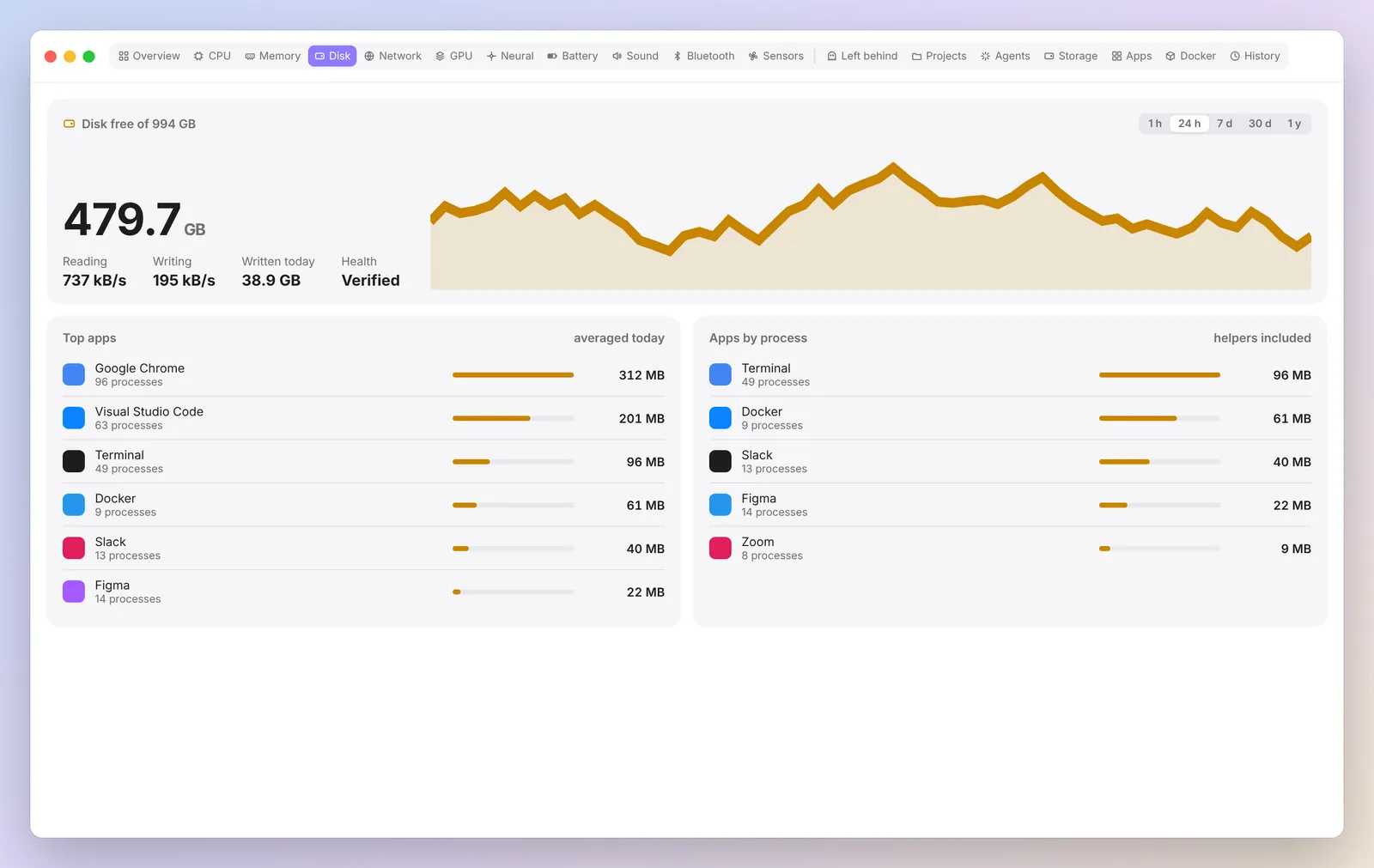
Disk
Reads, writes and free space.
Live read and write rates, how much was written today and which apps write the most.
Network
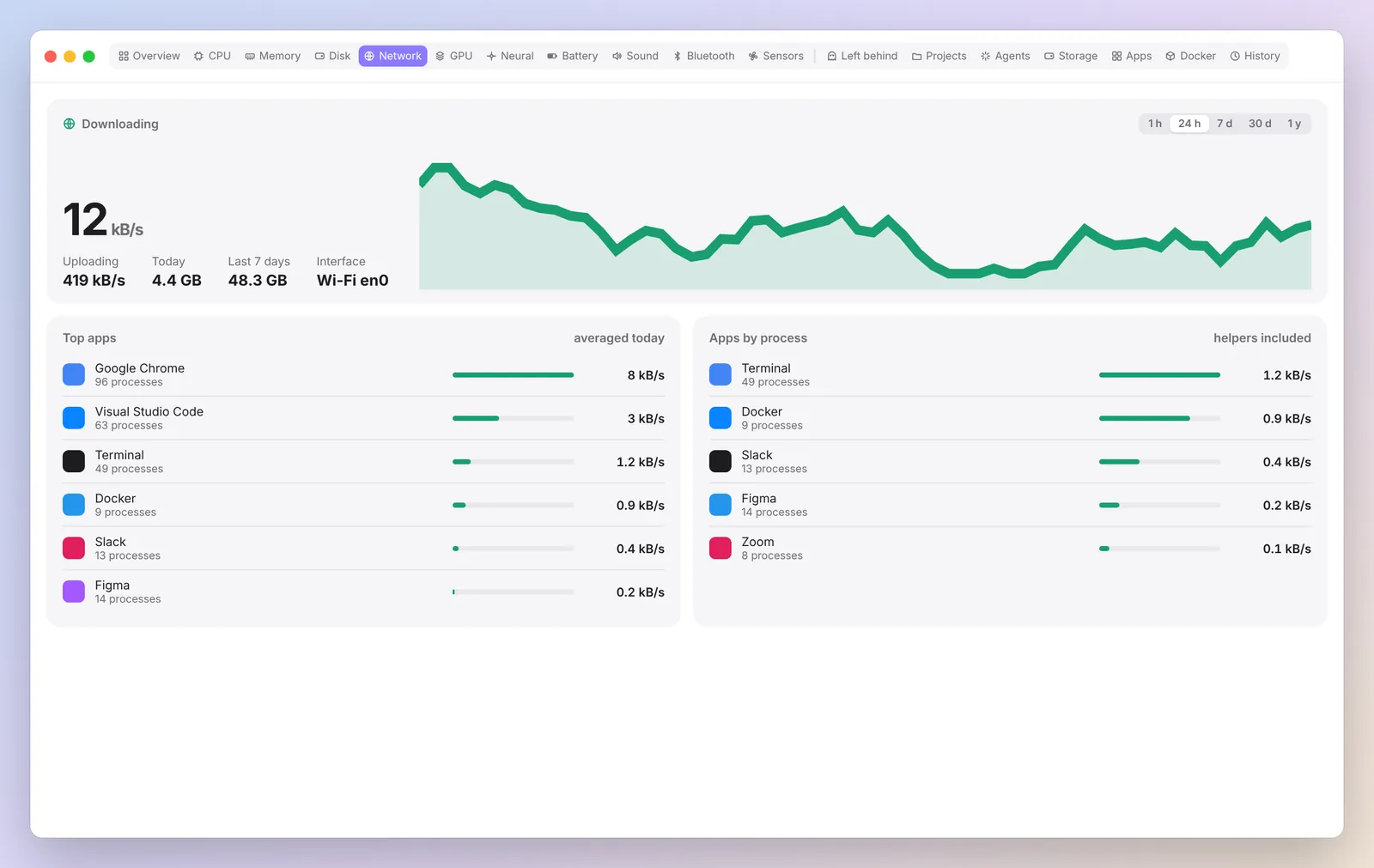
Traffic by app.
Download and upload now, today and over 7 days, with the apps behind it. Measured locally on your Mac.
GPU and Neural Engine
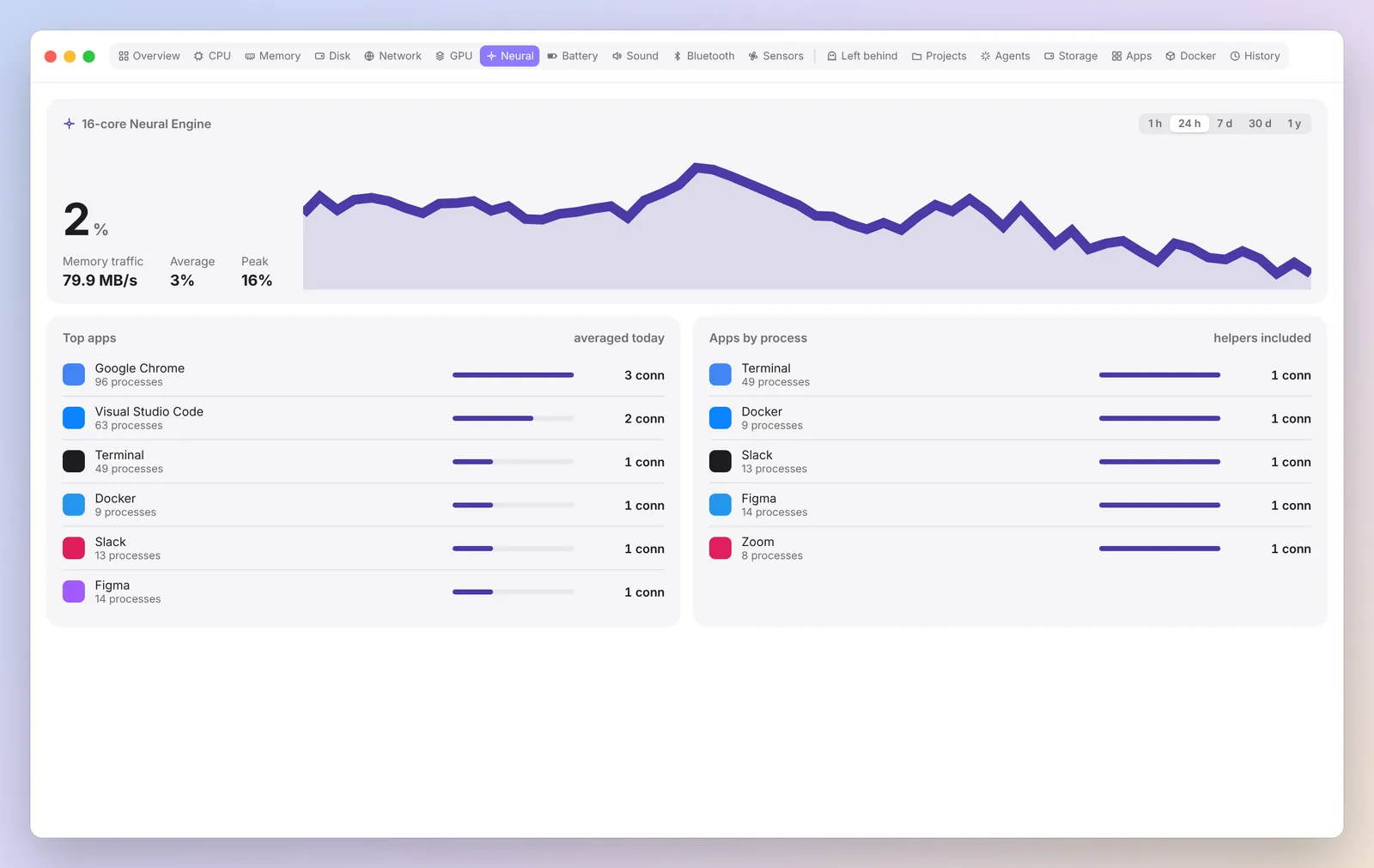
The chips that run your models.
GPU load and memory, plus Neural Engine power and activity, with apps ranked by energy, so you can see local AI at work.
Battery
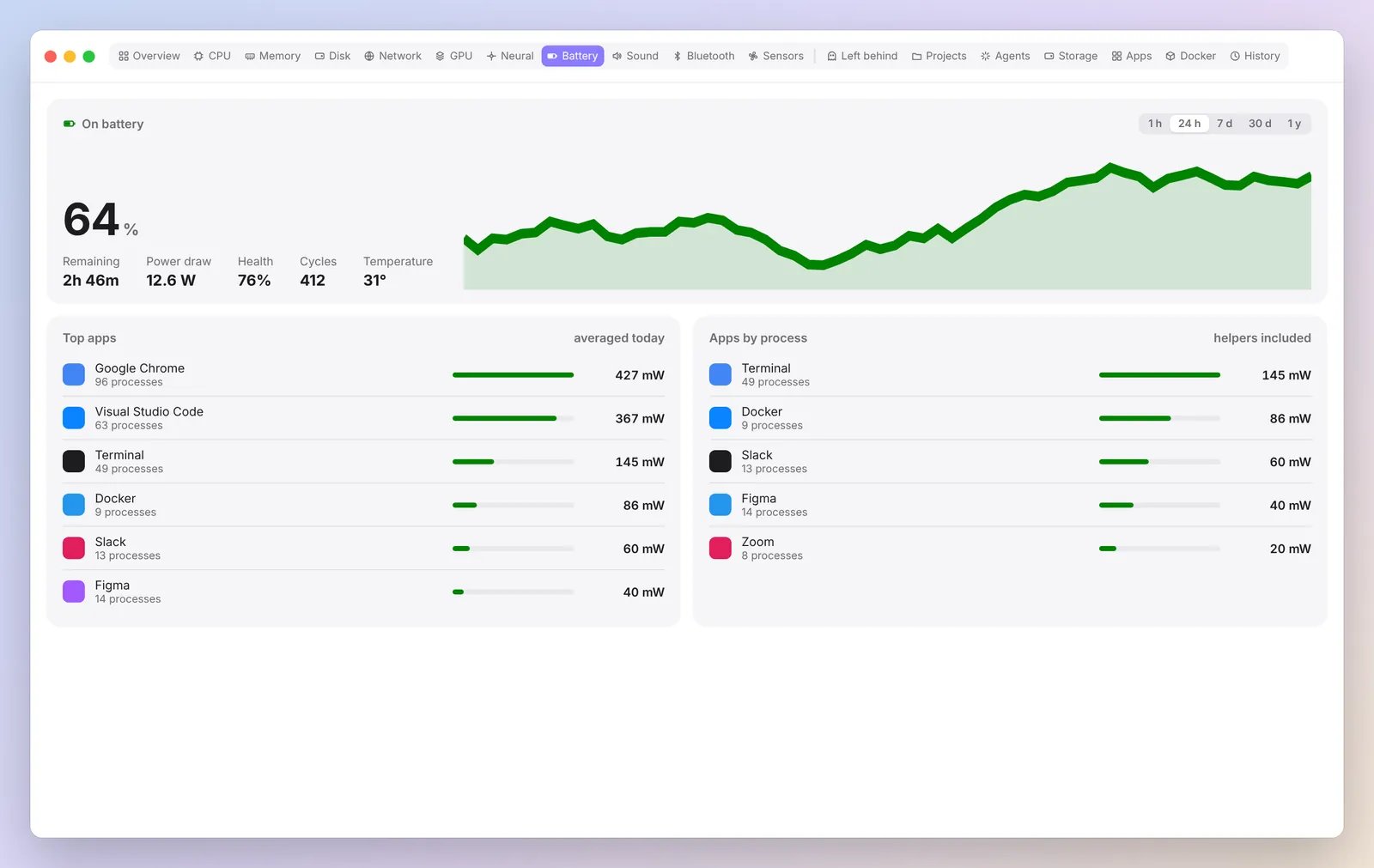
What is draining your battery.
Level, time left, power draw, health, cycles, temperature and power used by each app.
Sensors and fans
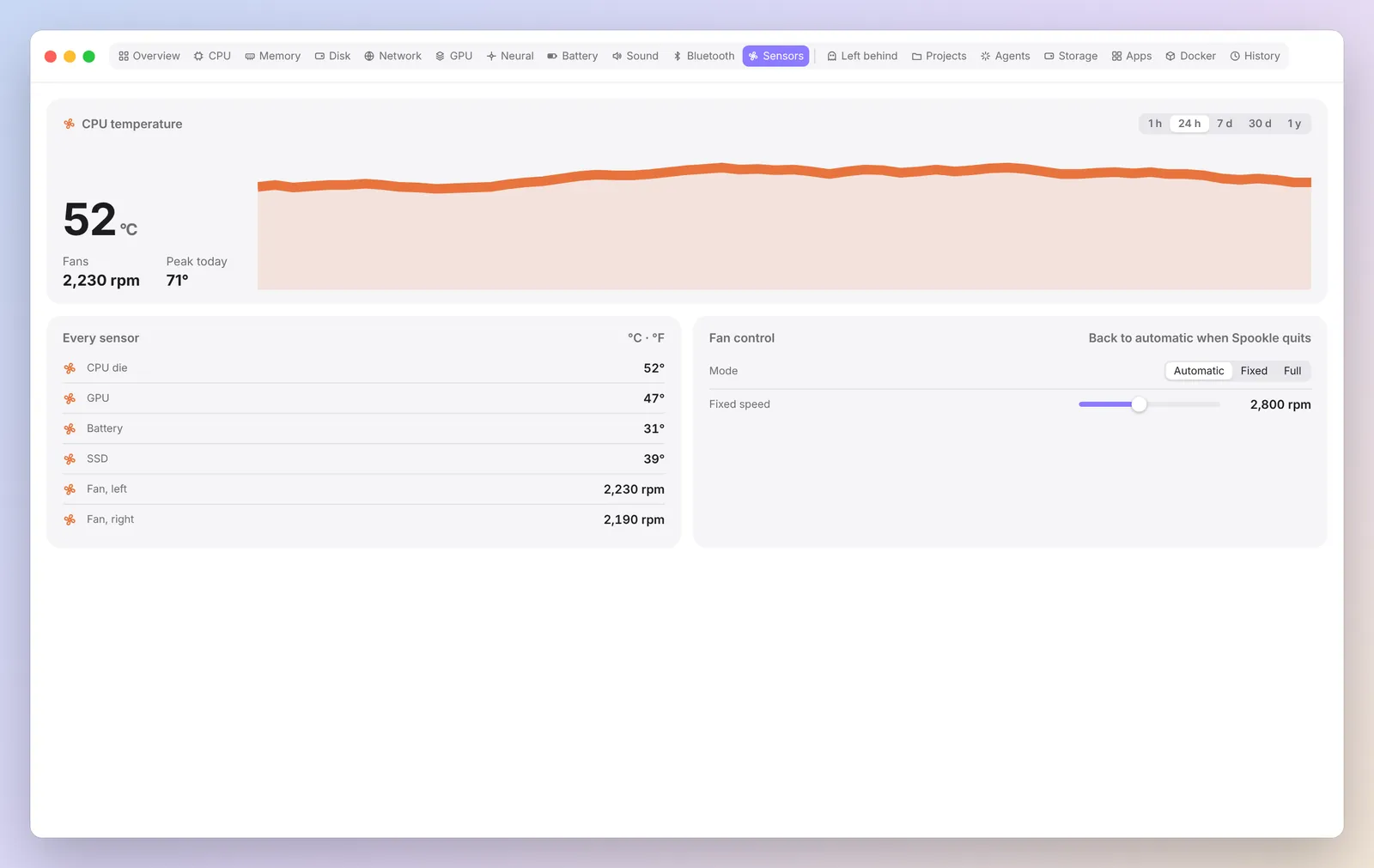
Temperatures and fans.
Every temperature sensor and fan speed, read only. Spookle shows what your fans are doing and leaves their speed to macOS.
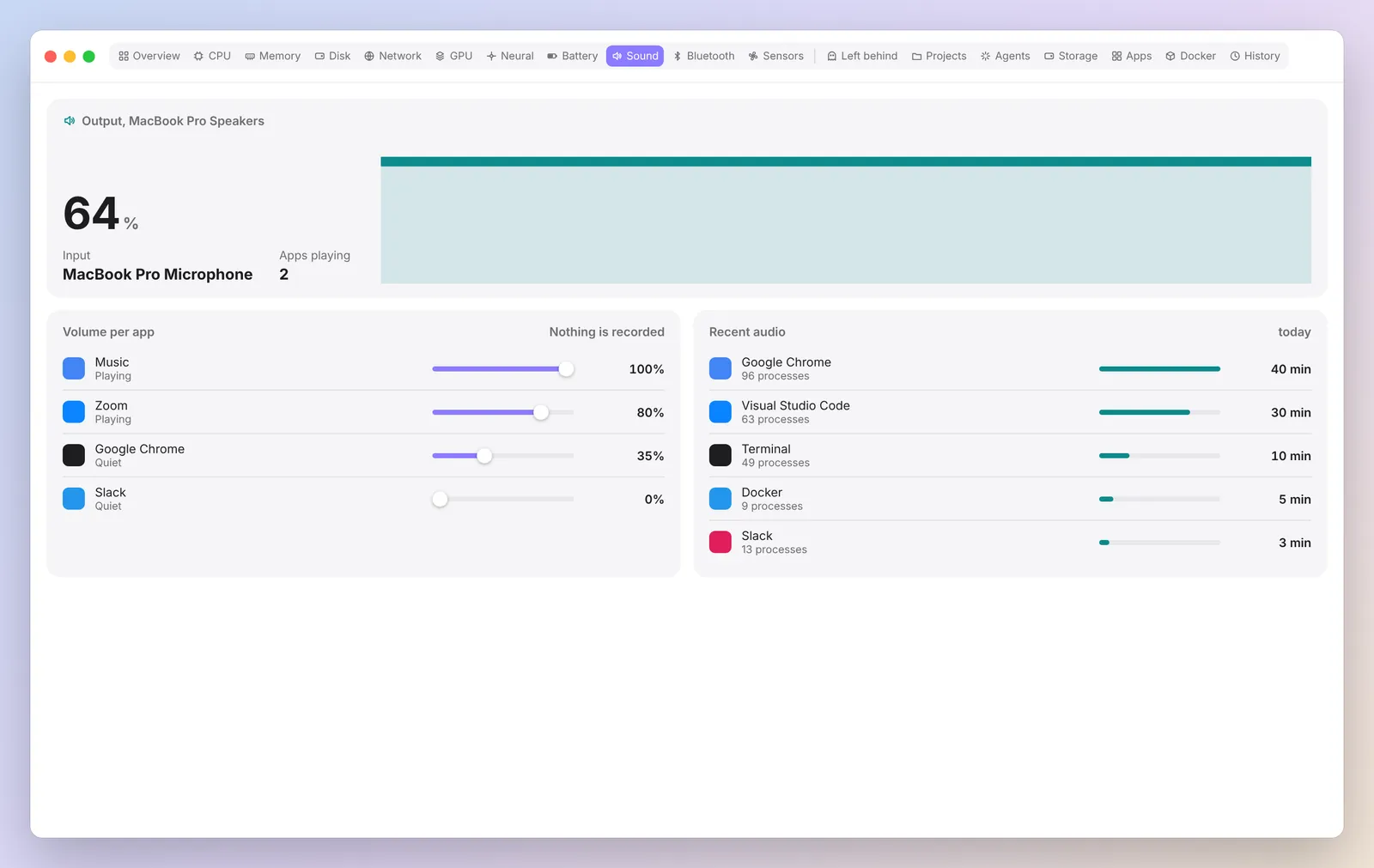
Sound and Bluetooth
What is playing, and device batteries.
See your output devices and which apps are playing or recording, read only, and the battery of every connected Bluetooth device.
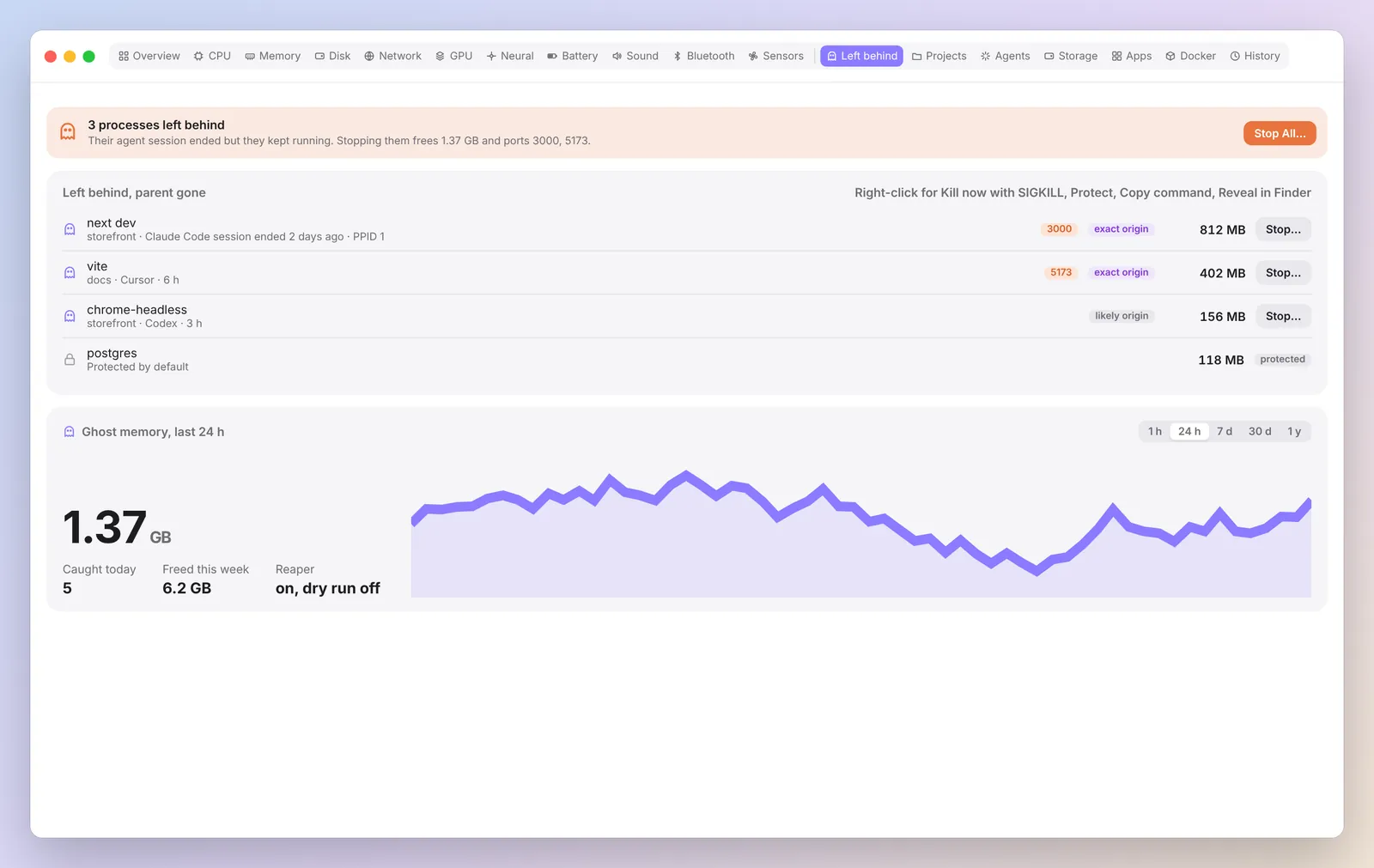
Left behind
Ghosts from every AI agent.
Dev servers, MCP servers and sub agents that outlive their session. Spookle names the agent and project, shows what stopping them frees, and stops the whole tree after you confirm.
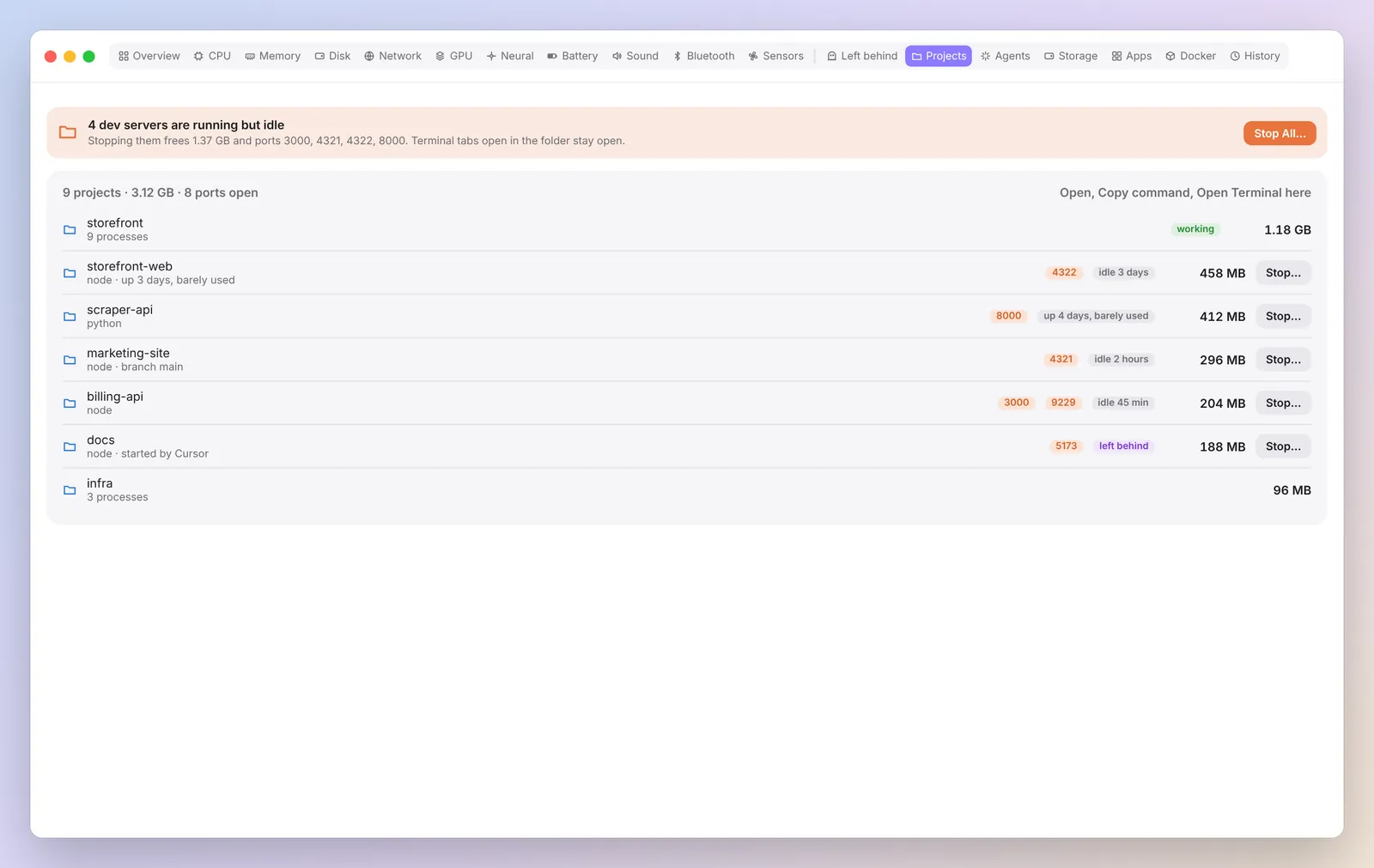
Projects
Processes grouped by project folder.
Every process sorted into the repo it belongs to, with ports, uptime and a status dot for responding, hung or idle.
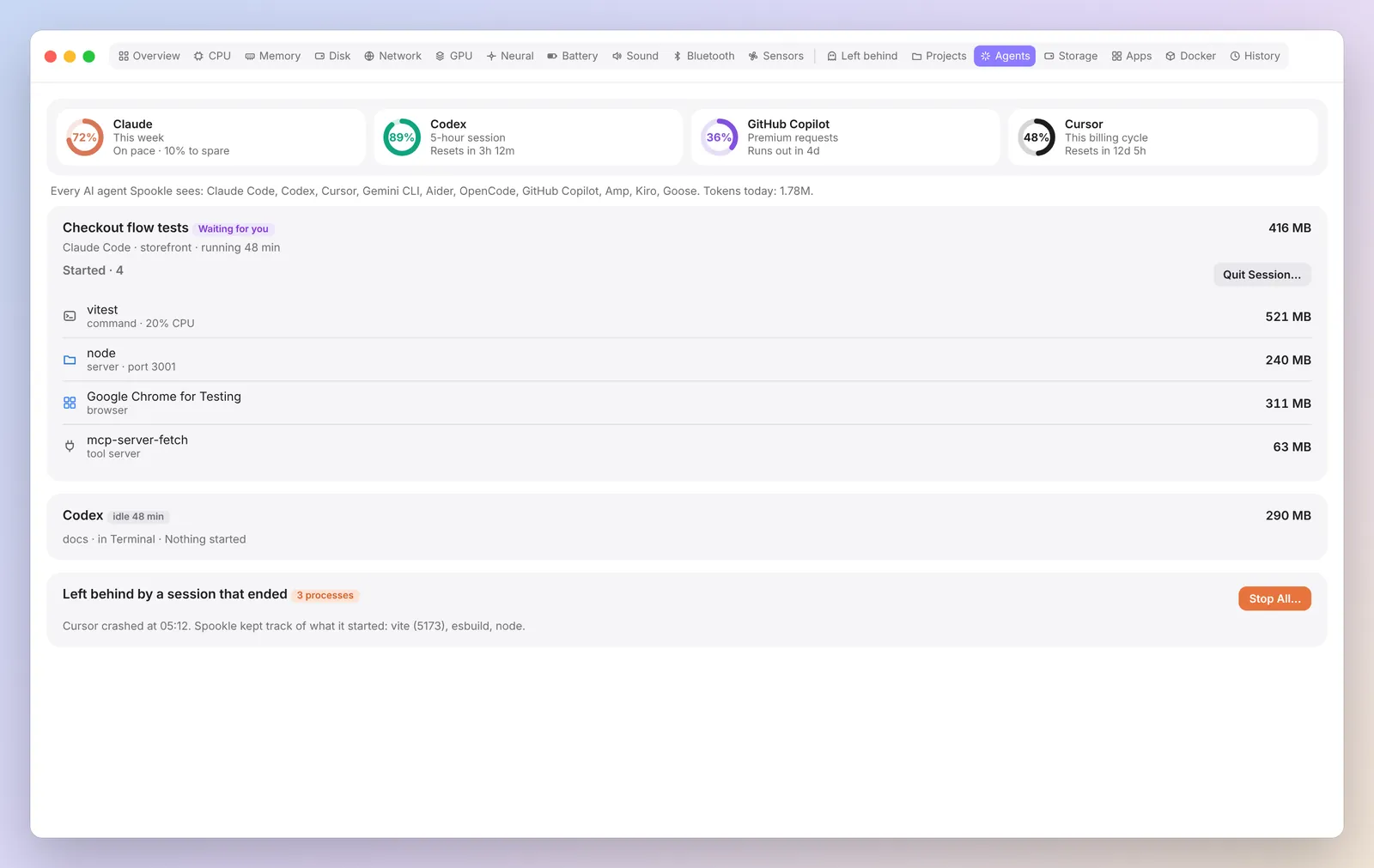
Agents and Claude plan usage
Live sessions and Claude plan usage.
Each agent session with what it started and Quit session. Paste a Claude token if you want to see how much of your Claude plan is left.
Apps
An inspector for every app.
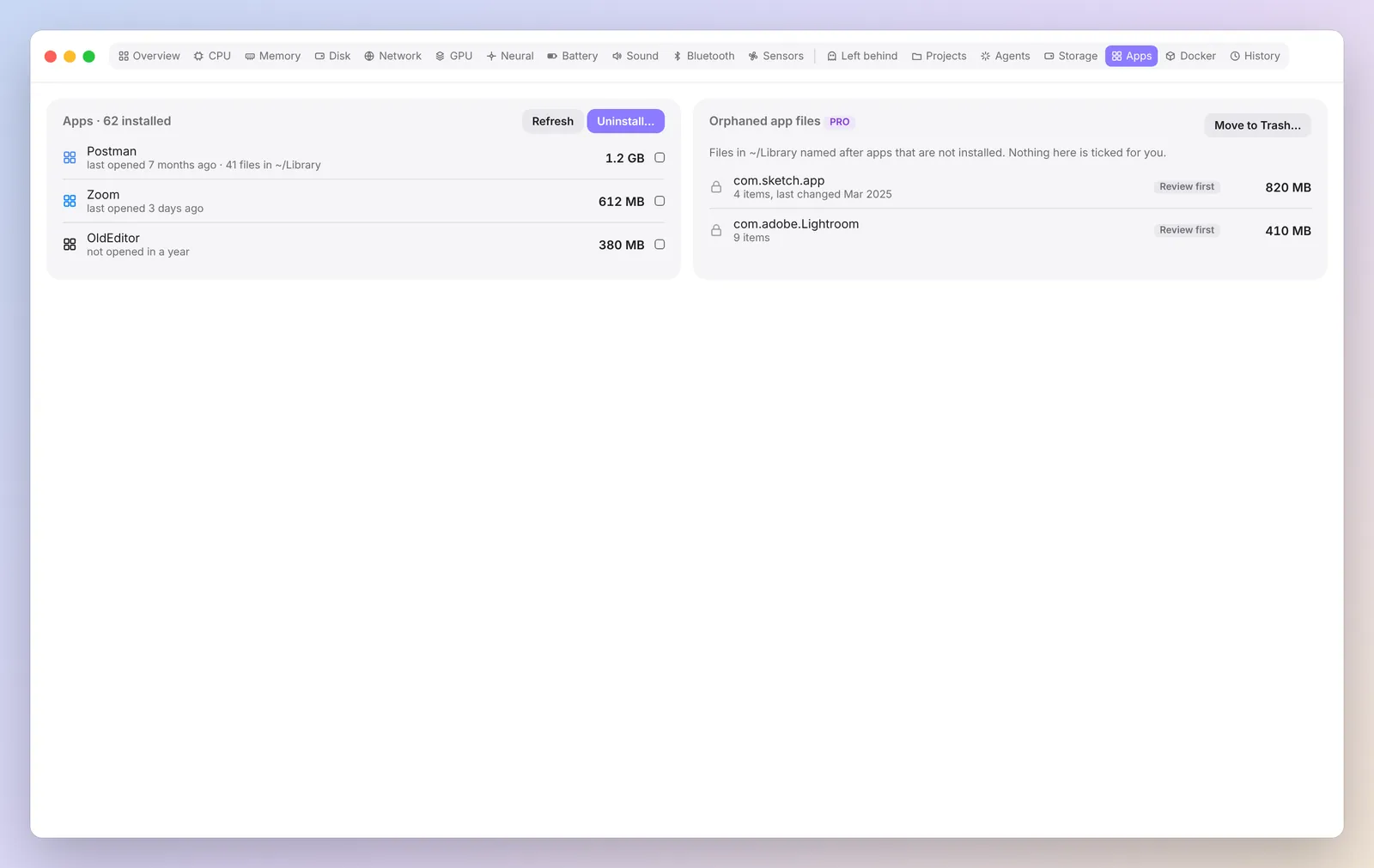
CPU, memory, energy and helpers in one panel. Right click to Quit, Force Quit, Pin or Reveal in Finder, or uninstall with the files it left behind.
Storage
Big files, leftovers and Undo.
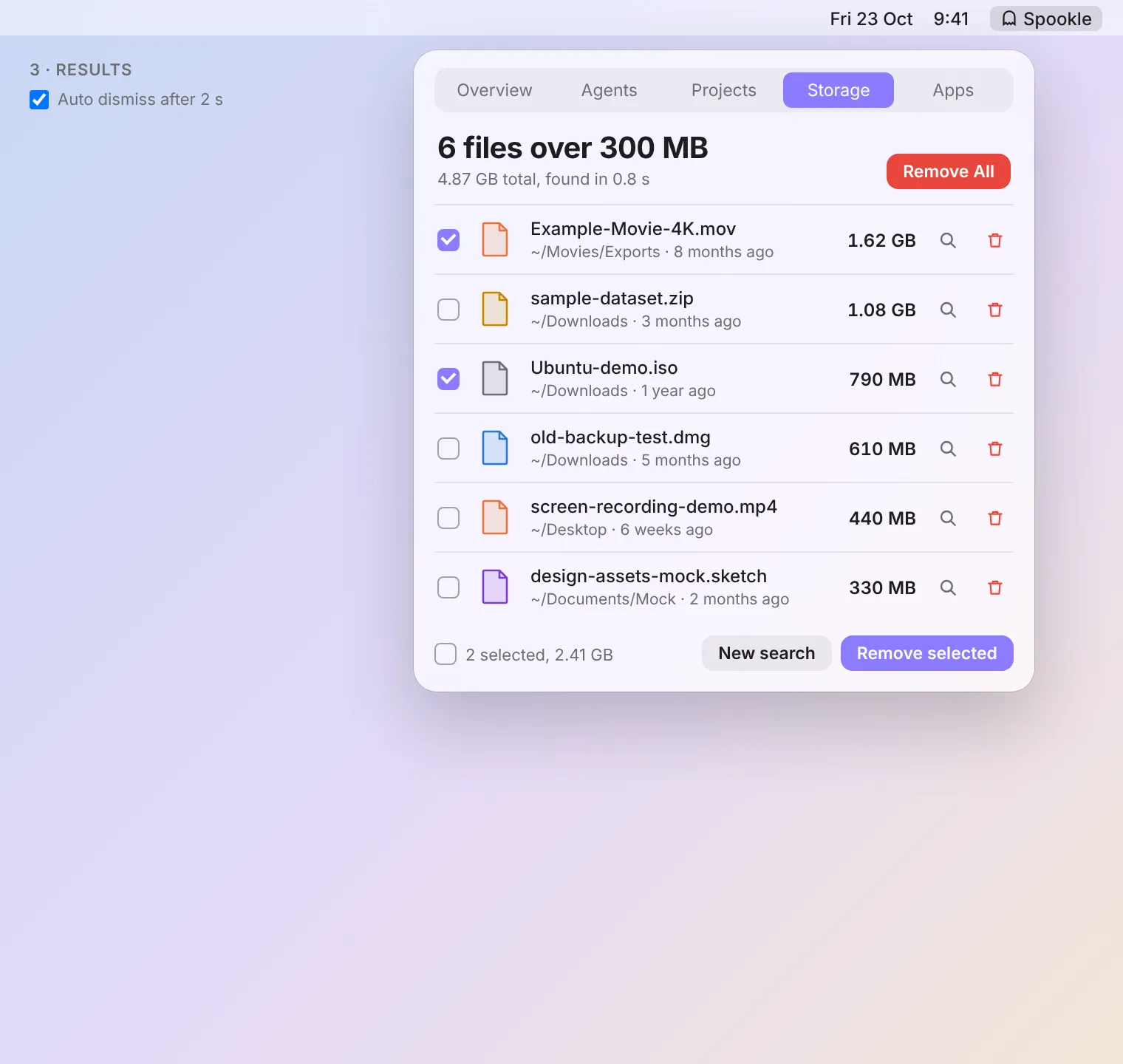
Find files over a size you choose, old build output and agent history. Everything goes to the Trash after a confirm, and Undo puts it back.
Docker
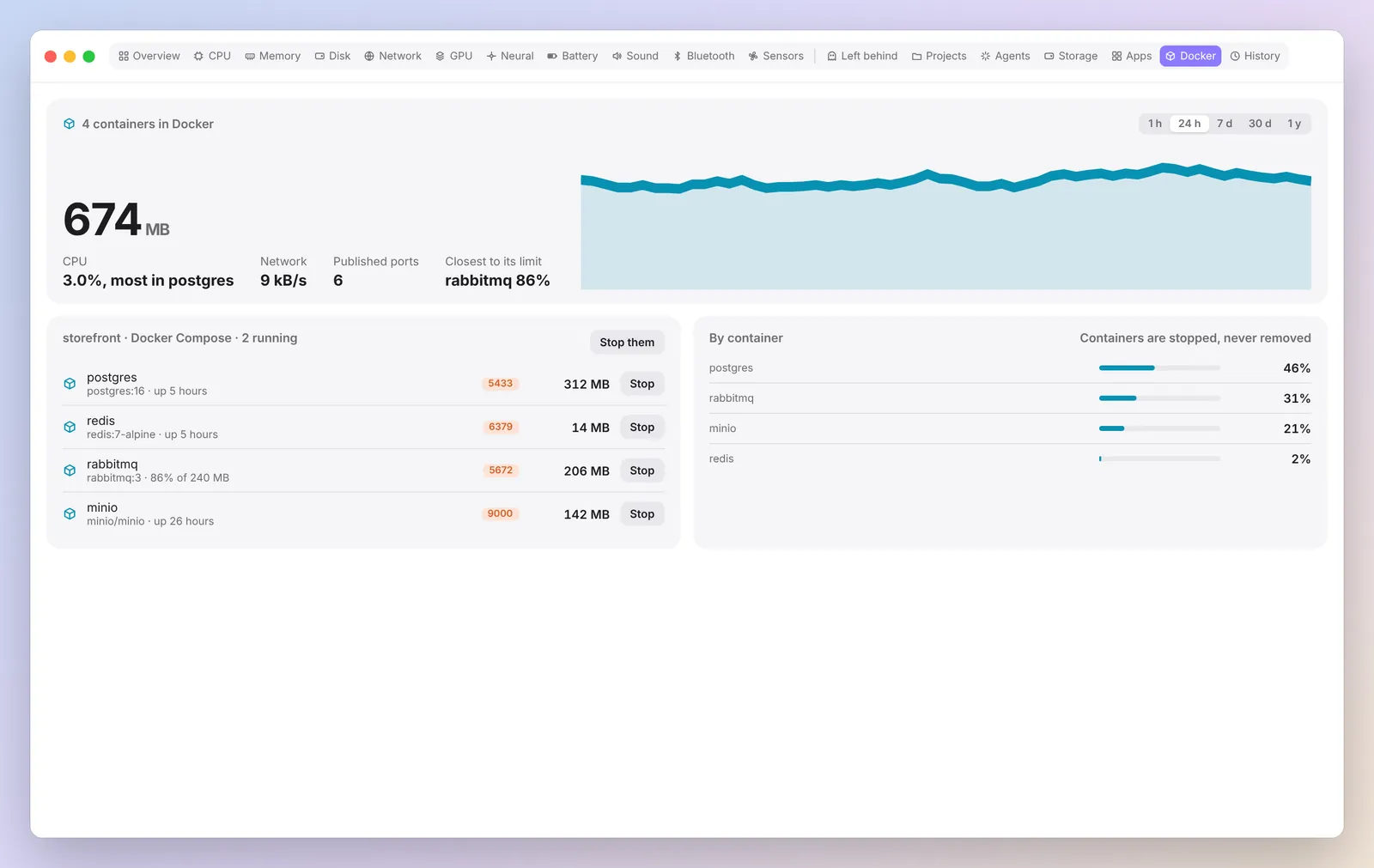
Containers by compose project.
Published ports and per project stop. Spookle never removes containers, volumes or images.
History and alerts
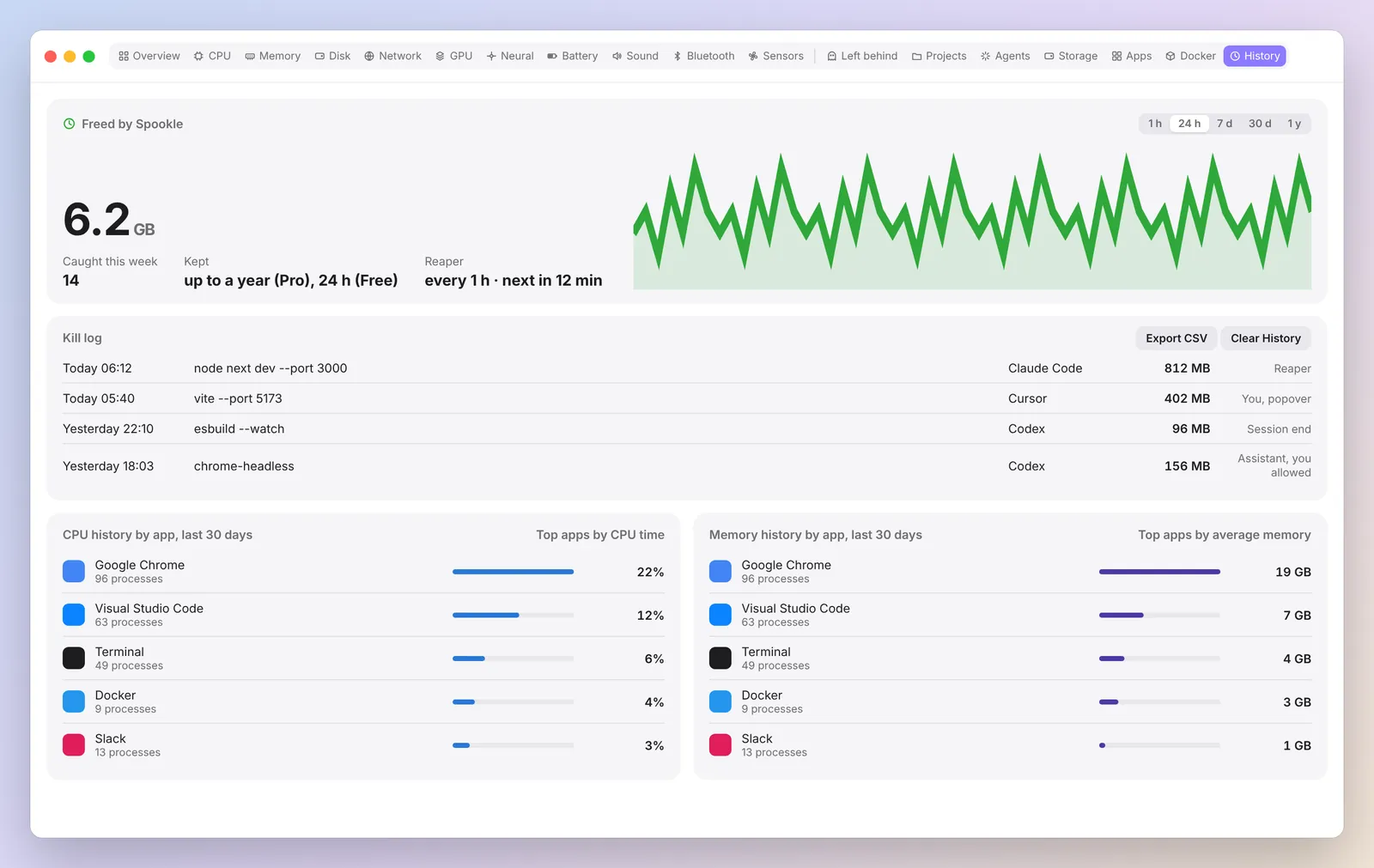
A year of readings and a nudge when it matters.
24 hours of history free, a year with Pro. Alerts for memory pressure, high CPU, low disk, processes left behind and ghosts holding RAM. Ghost alerts come with Stop, Snooze and Always allow.
Made to fit how you work.
Customise
Choose and reorder tabs, colours including a colour blind set, number style and density.
Your language
English plus 10 more languages, partly translated so far. Units and number format follow your Mac.
CLI and MCP
A spookle command with JSON output, and an MCP server whose stops always ask you first.