Menu bar system monitor for Mac
Your whole Mac at a glance. And no ghosts left behind.
CPU, memory, disk, network, battery and sensors in your menu bar, plus the processes, ports and files every AI agent leaves behind, cleared safely in one click.
- STEP 1Download
- STEP 2Open
- STEP 3Done
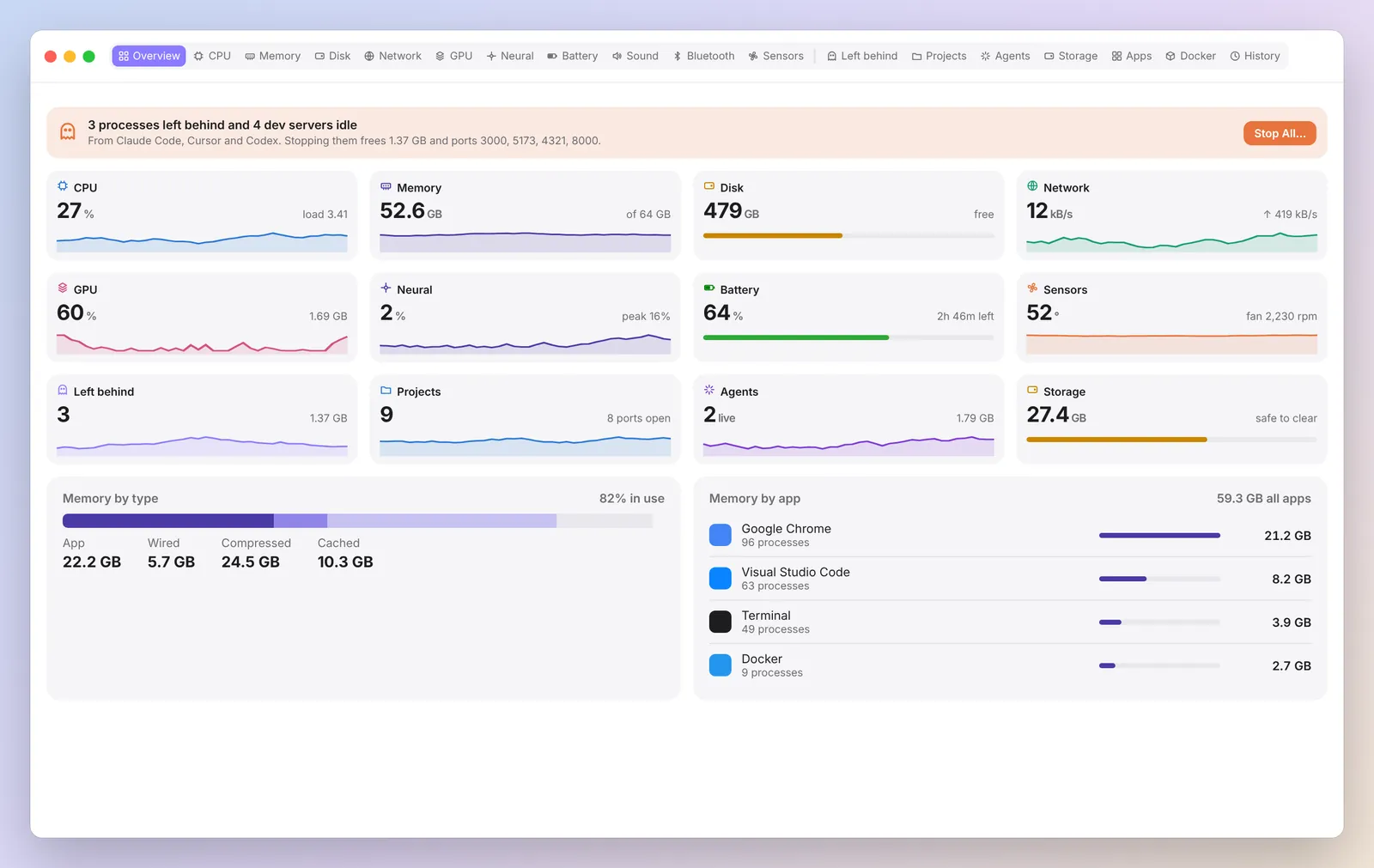
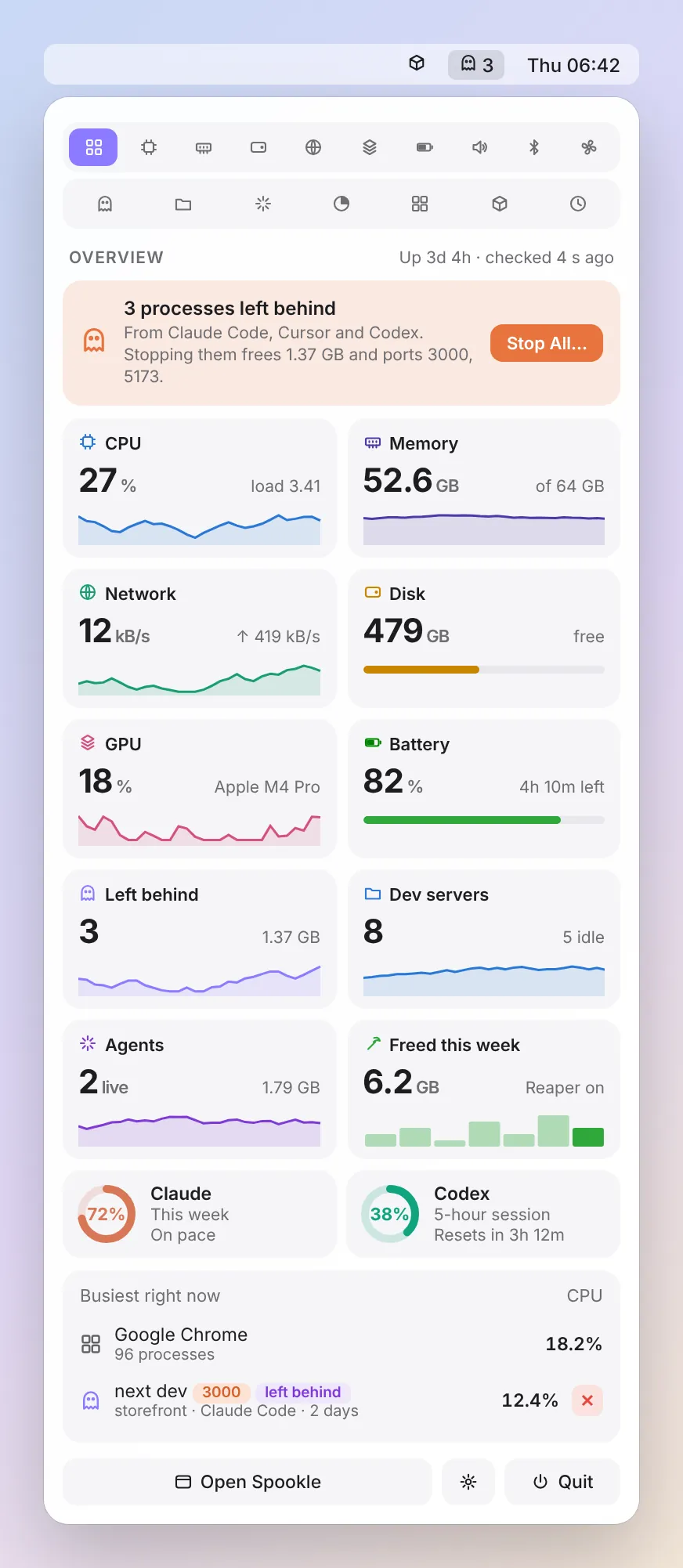
Real Spookle screenshots with example data. No account, no tracking. We count downloads, nothing personal.
Left behind
Ghosts from every AI agent, found and cleared.
Dev servers, MCP servers and sub agents that outlive their session keep ports and RAM. Spookle names the agent and project, says what stopping them frees, and stops the whole tree after you confirm. Drag to compare.
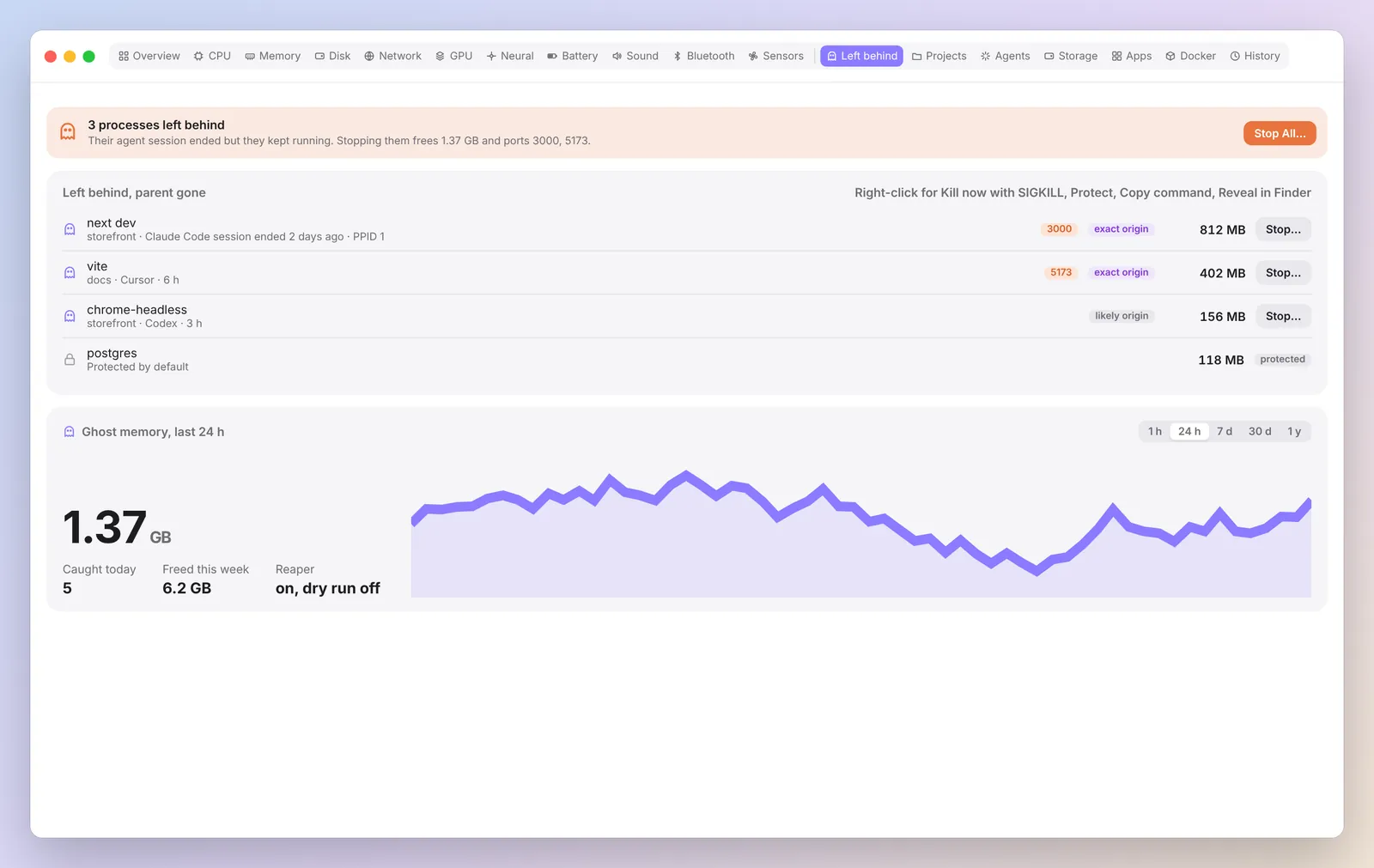
Ports taken, RAM held, nobody knows whyNamed, explained, stopped on your OK
Features
Everything Activity Monitor shows. Laid out so you can read it.
Plus the tools that keep every AI agent tidy.
MCP server PRO
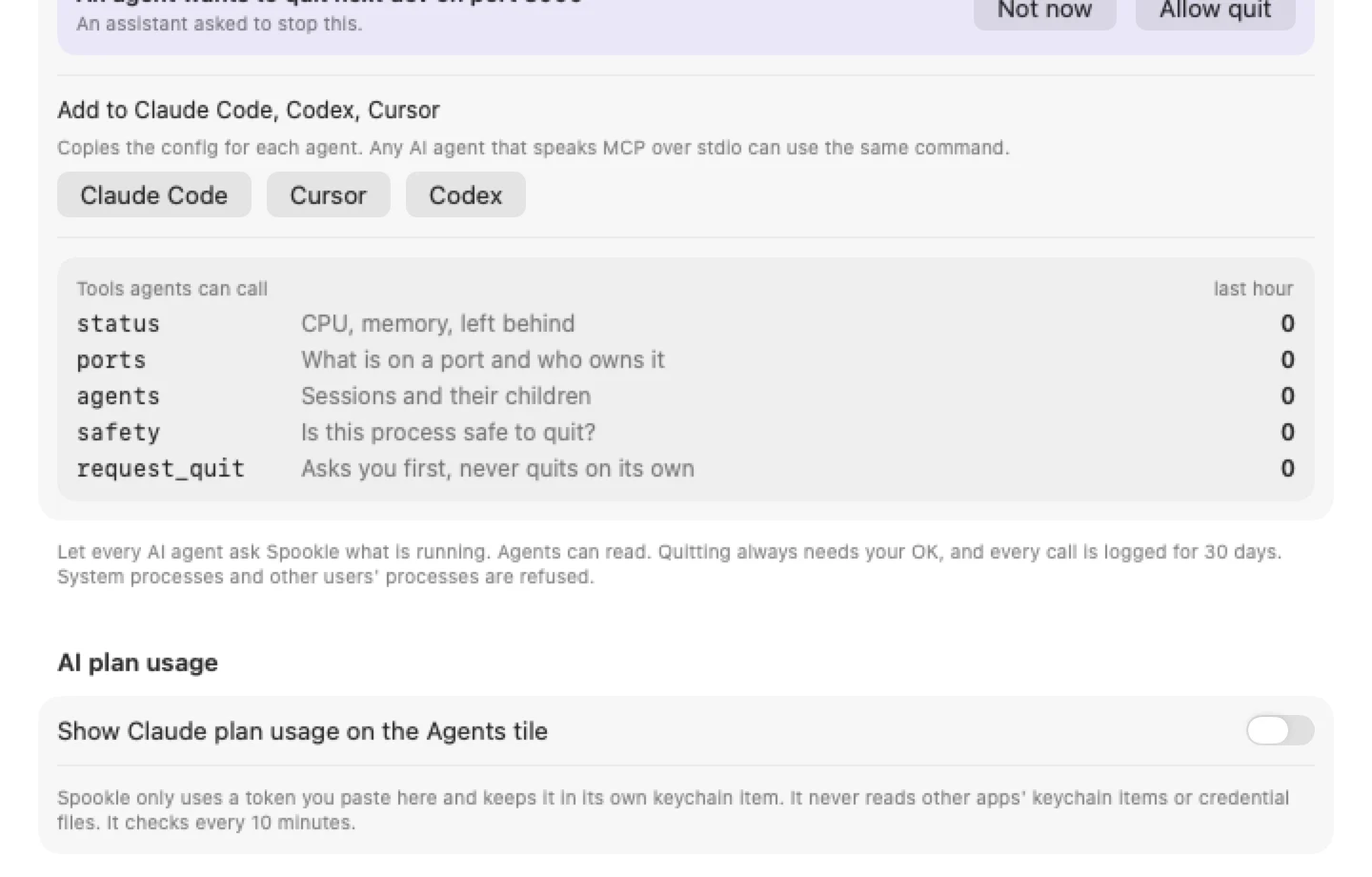
Claude Code, Codex and Cursor can ask what is on port 3000 and whether a process is safe to quit. A quit request waits for your Allow.
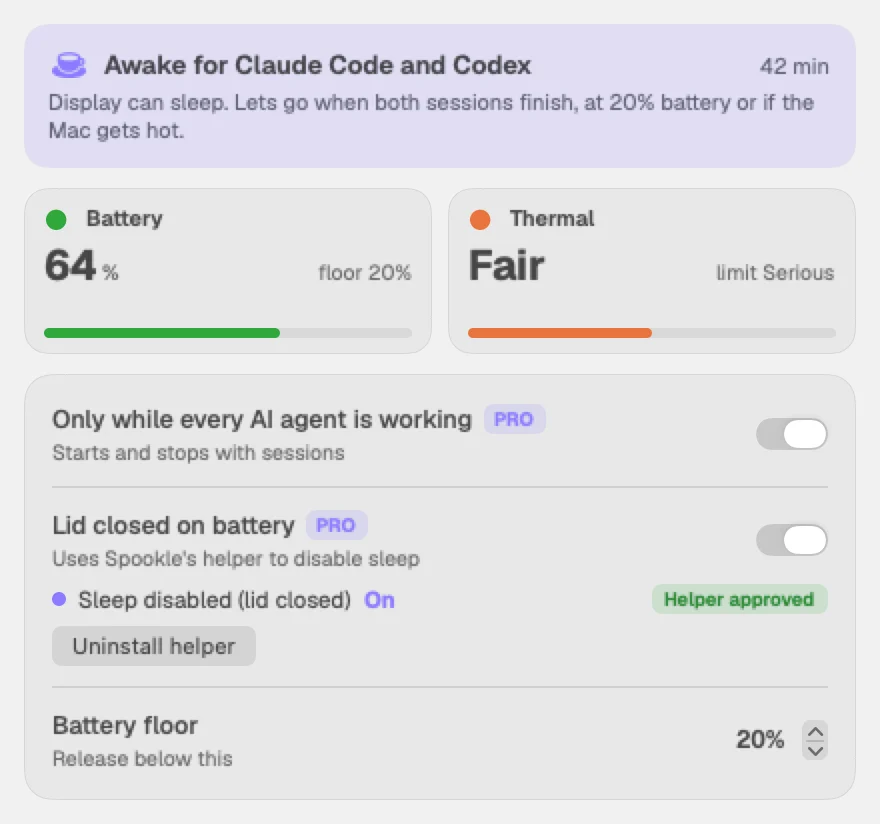
Keep awake PRO
Holds off sleep only while an AI agent session runs. Lid closed on battery works through an optional helper that always turns sleep back on.
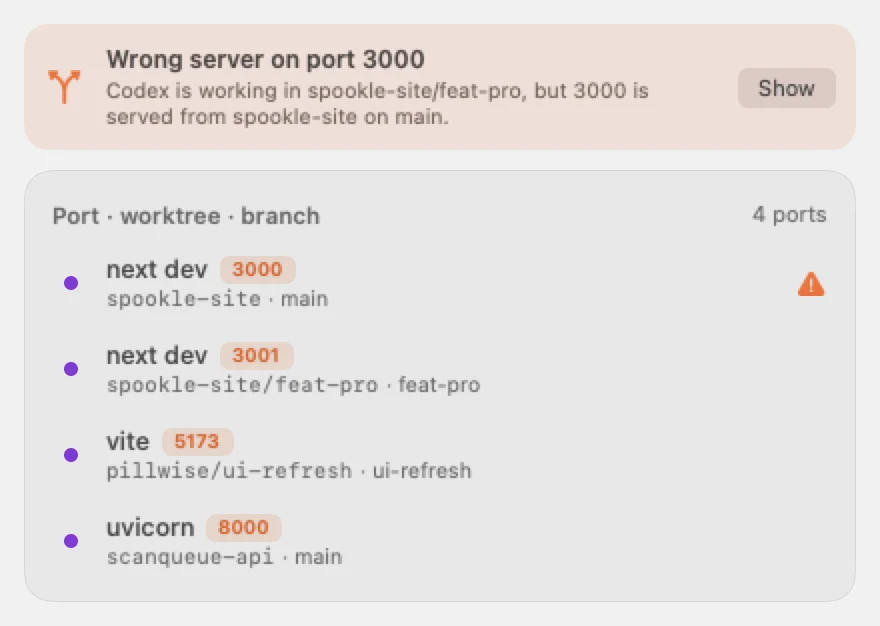
Port map FREE
Every listening port shows its repo, worktree and branch, with a warning when a server runs from the wrong worktree.
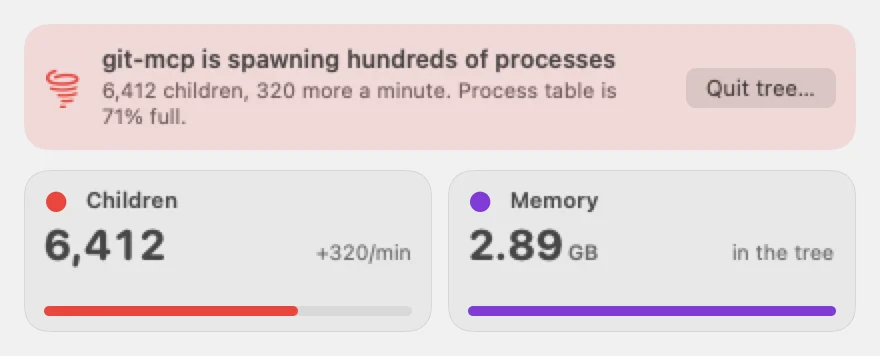
Runaway watch
Alerts for heavy disk writes, process storms and runaway CPU, so a leftover process cannot quietly eat your Mac.
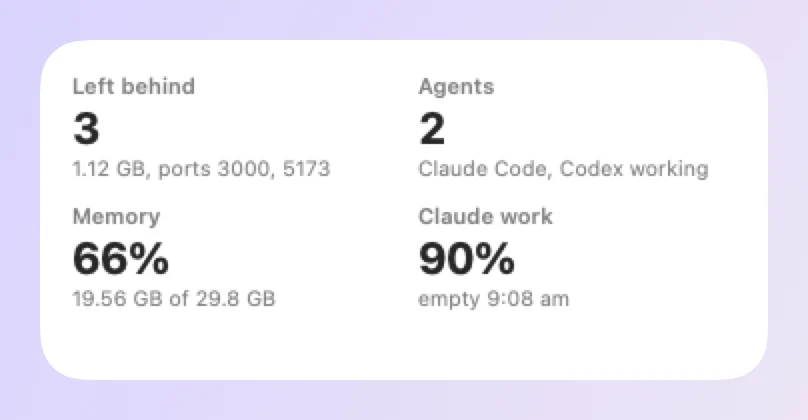
Widgets FREE
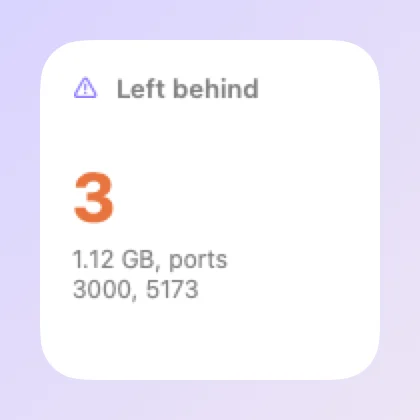
Six desktop widgets. Hide Spookle from the menu bar and open it again from Finder, Spotlight, the Dock or a widget.
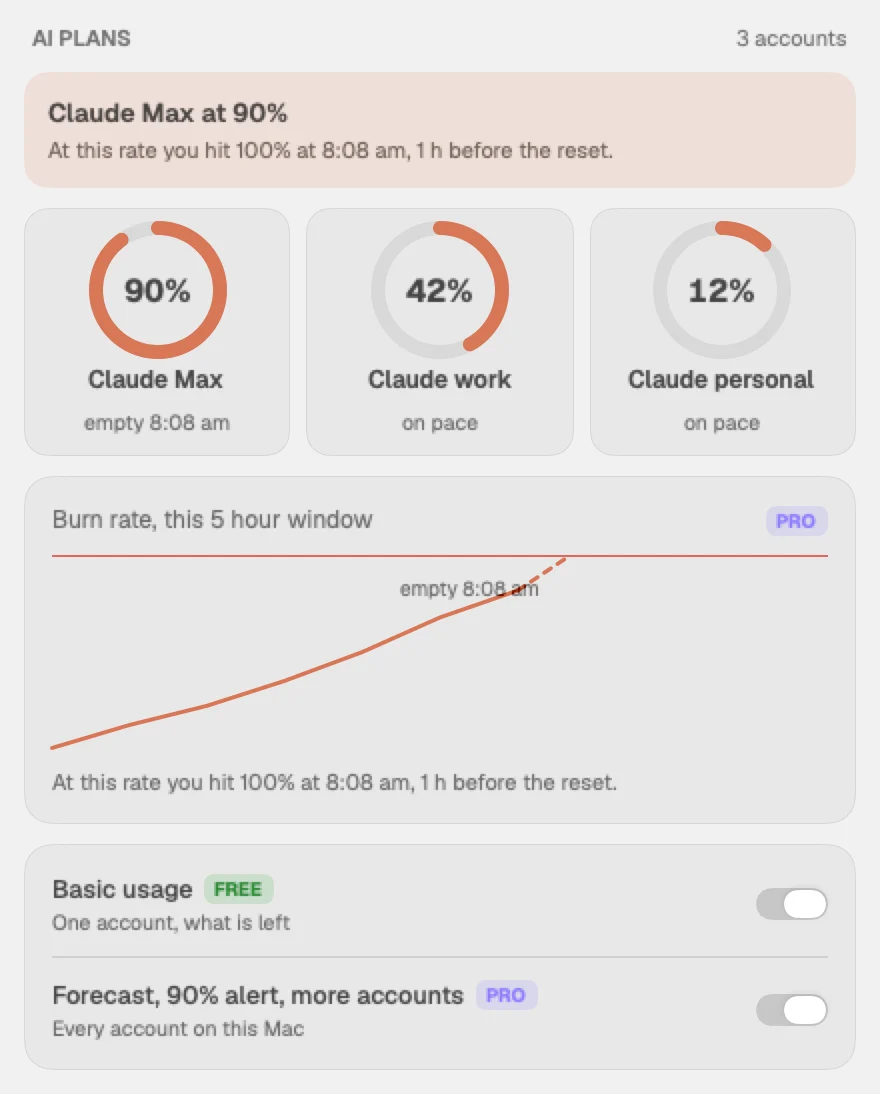
AI plans
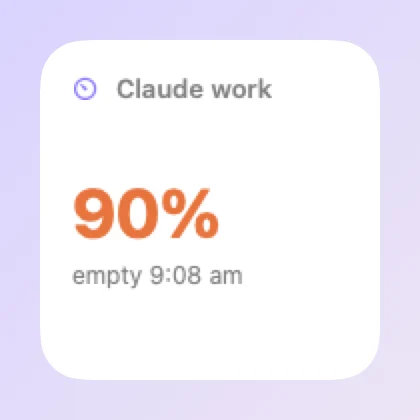
Basic Claude plan usage is free. Pro adds a forecast of when you will run out, an alert at 90% and up to 6 Claude accounts.
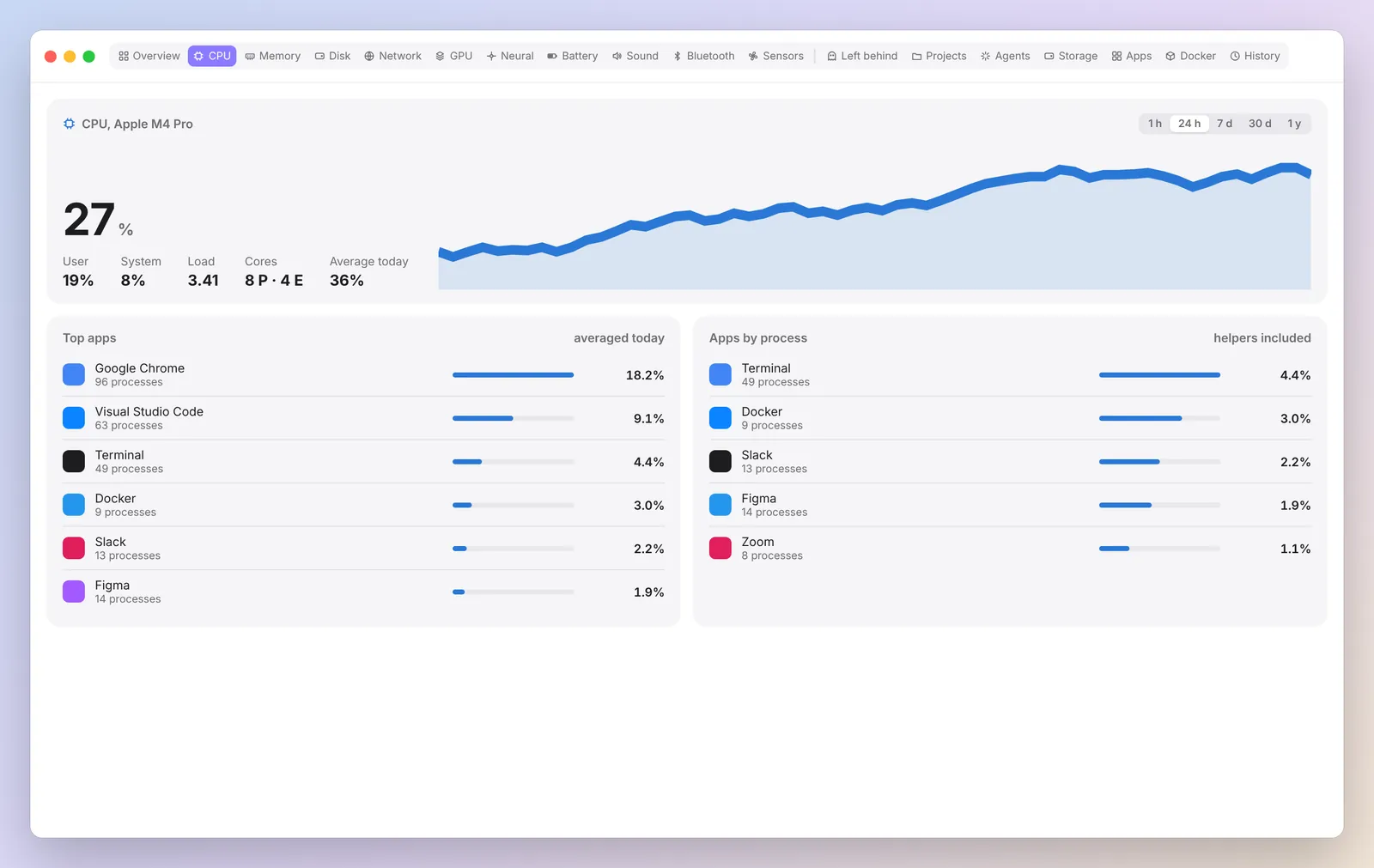
Every reading in your menu bar FREE
CPU, memory, disk, network, GPU, battery, sensors and more. Pick what sits in your menu bar.
How it works
Three steps to a clean Mac.
Download and open
Notarised by Apple. No account, nothing to sign up for. Spookle sits in your menu bar.
 ✓ Notarised by Apple
See what was left behind
Processes grouped by project, with the agent that started them and what stopping them frees.
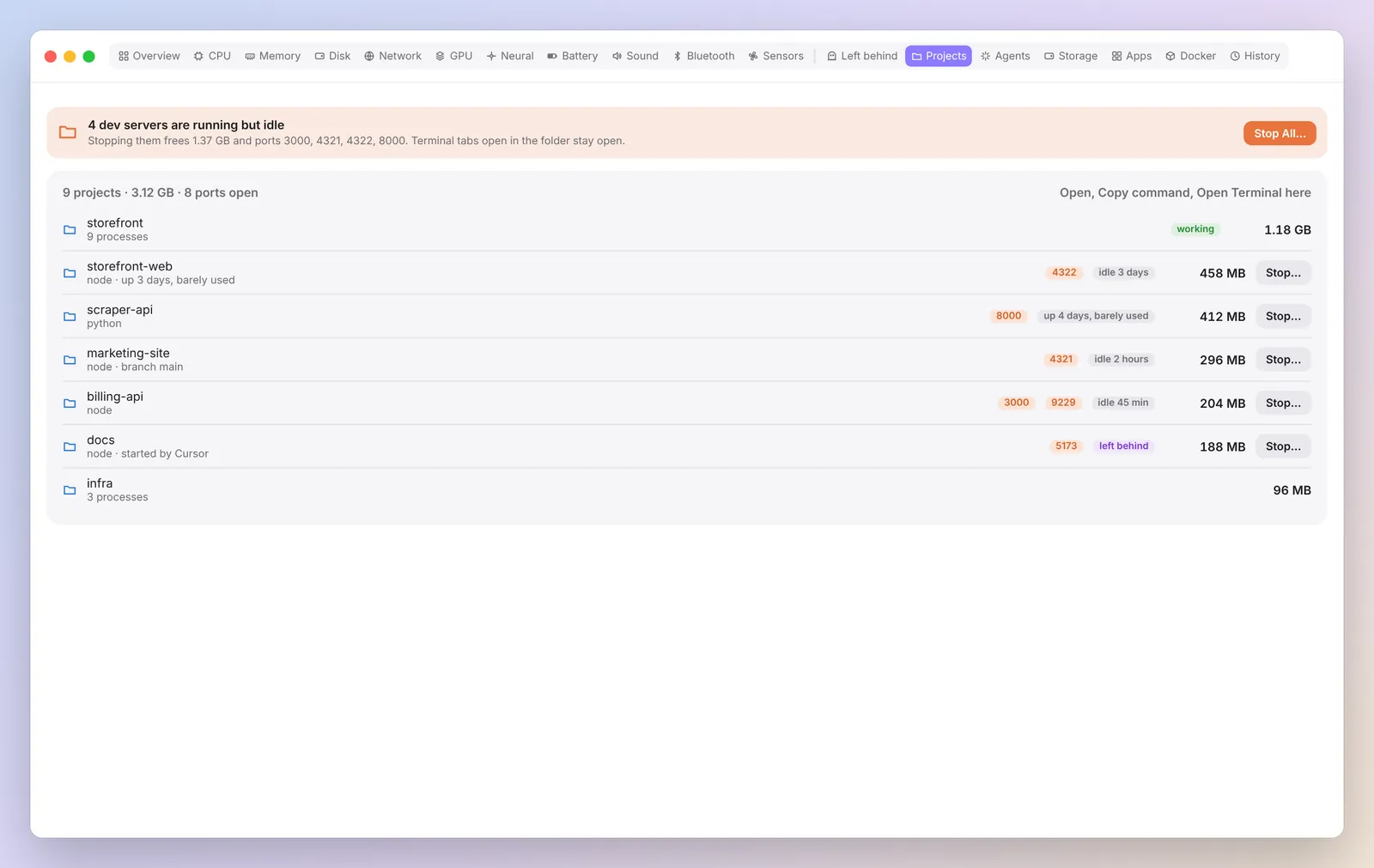
Clear it on your OK
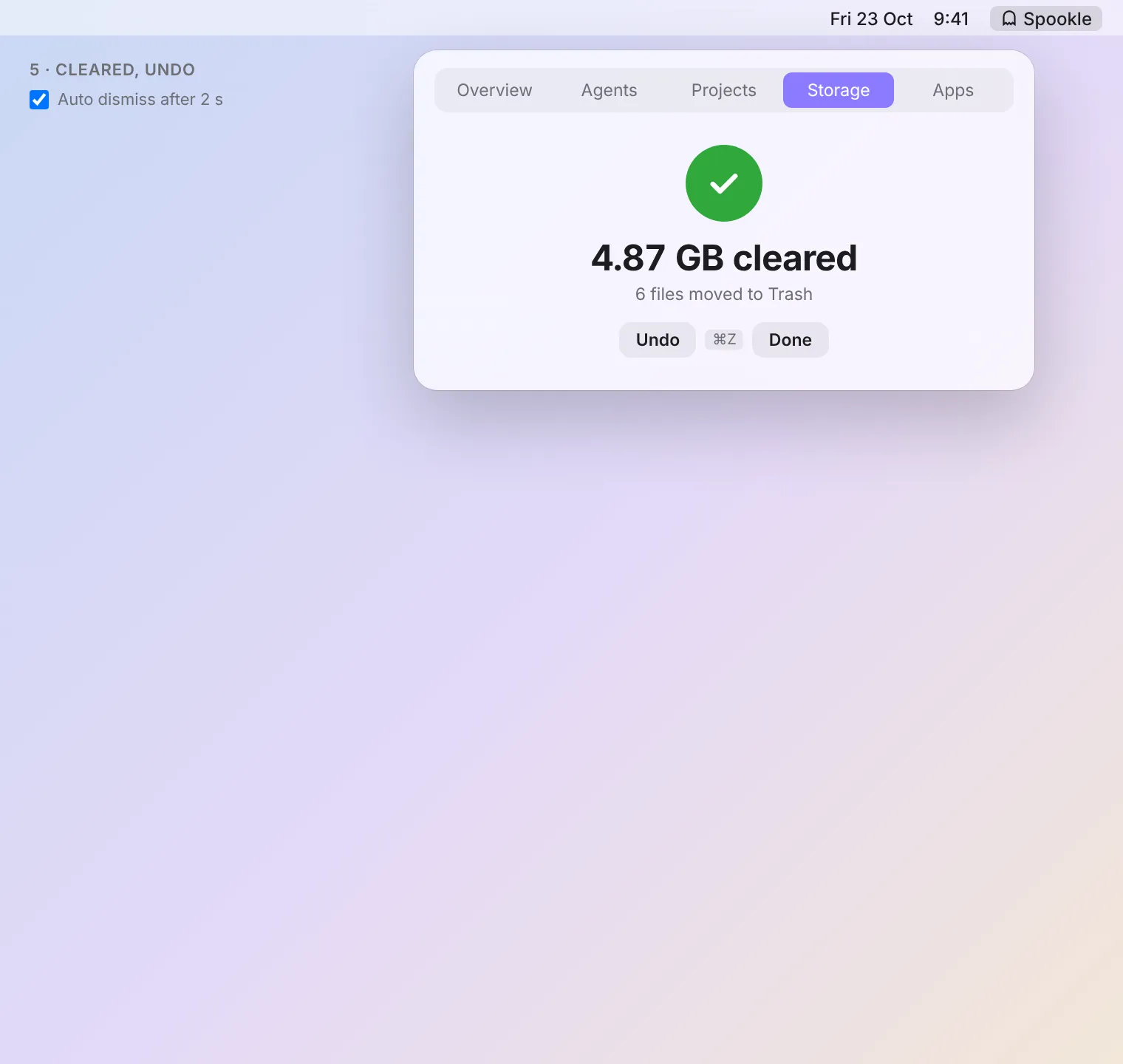
Spookle stops the whole tree after you confirm. Big files go to the Trash with Undo.
- STEP 1Download
- STEP 2Open
- STEP 3Done
Pricing
Free to start. Pro when you want more.
Pay once, use it on up to 3 Macs. No subscription, no account.
Free
US$0
The full monitor and every manual cleanup.
- Every monitor in the menu bar and popover
- Find and stop what every AI agent left behind
- Port map with worktree and branch
- Disk write alerts and desktop widgets
- 24 hours of history
Pro ONE TIME
US$19
One payment, up to 3 Macs.
- MCP server for every AI agent
- Keep awake, including lid closed on battery
- Agent alerts and Claude plan forecasts
- A year of history, with CSV export
- Auto cleanup with a dry run first
Get Spookle
No ghosts left behind.
Your whole Mac at a glance, and every AI agent cleaned up after.
- STEP 1Download
- STEP 2Open
- STEP 3Done
FAQ
Questions, answered.
The three things people ask first. Everything else is on the FAQ page.
What will Spookle never stop?
Apple and system processes (anything in /System, /usr/libexec, /usr/sbin, /sbin, /bin and /usr/bin, plus launchd, WindowServer, Finder, Dock and friends), other users' processes and Spookle itself. By default it also protects Docker Desktop, OrbStack, local databases (Postgres, MySQL, Redis, MongoDB), live AI agent sessions and anything running in a terminal window. When you quit a whole agent session yourself, only your login shell stays protected, so the session's own leftovers can go. You can add your own rules by command, path, port or project folder.
Can I undo a Big files cleanup?
Yes. Undo puts back the last batch you sent to the Trash. Earlier batches are still in the Trash, so you can restore them from Finder.
Which AI agents and tools does it recognise?
Spookle has built in signatures for Claude Code, Codex, Cursor, Gemini CLI and VS Code, plus common leftovers such as MCP servers (including Playwright and Chrome DevTools MCP), headless Chrome, test watchers and tsserver. Anything it cannot attribute is still shown, labelled Unknown agent.
All 20 questions Still stuck? support@spookle.app